Funny Stories & Skits
Write character conversations, absurd situations, punchlines, and short animated scenes.
Create funny stories, social posts, commentary, explainers, and character-driven videos without learning animation. Write or import your idea, add characters or images, choose a voice, and let Splainin handle the timing, pacing, and animation.
Make something funny, useful, personal, or completely your own. Start simple, then use Splainin's professional scene, camera, narration, translation, and export tools whenever you need them.
Write a joke, story, reaction, conversation, or explanation, choose a voice, and let a ready-made character perform it with smooth animation.
Over 90 animated talking characters included, with more added regularly. Type your text, pick a voice, and watch smooth character animation stay in sync with the narration.
Fully synchronized with free built-in TTS or your own voice API keys
Choose from the ready-to-use roster for comedy, storytelling, commentary, reactions, trivia, or narration. You can also import your own artwork to create custom, reusable characters with their own voices and personalities.
One new workflow in Splainin's broader explainer toolkit: start from a URL, then edit the scenes, visuals, narration, timing, and animation.
Capture or import your material, organize it into scenes, sync the visuals to narration, and deliver it in the format your audience needs.
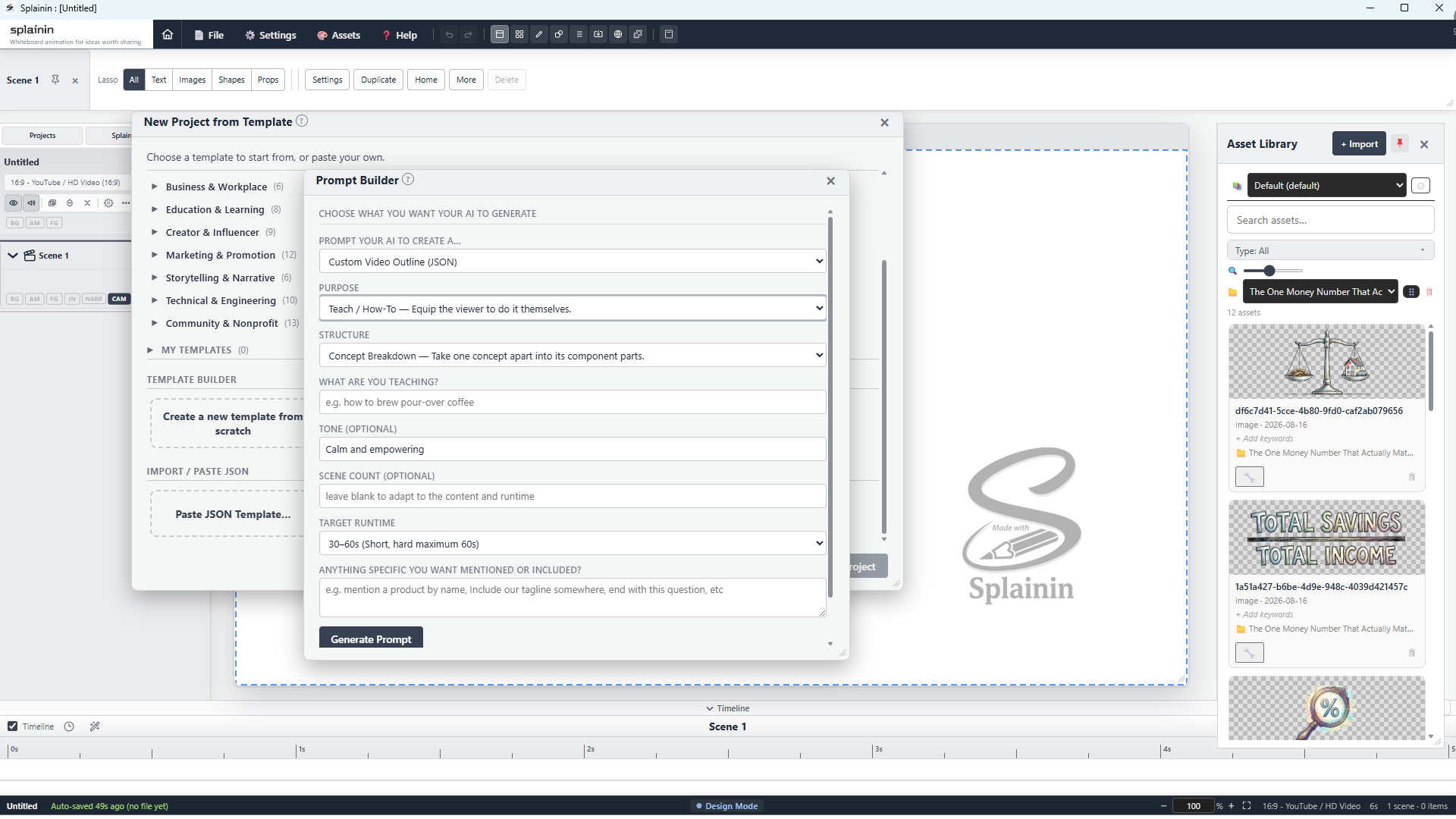
From prompt to full project outline in seconds. Use Splainin’s guided prompt generator to format structured prompts for ChatGPT, Claude, Gemini, or Grok. Copy the prompt into your AI tool of choice, then paste the response back into Splainin to instantly generate complete project outlines with visual placeholders, scene annotations, and timed narration scripts.
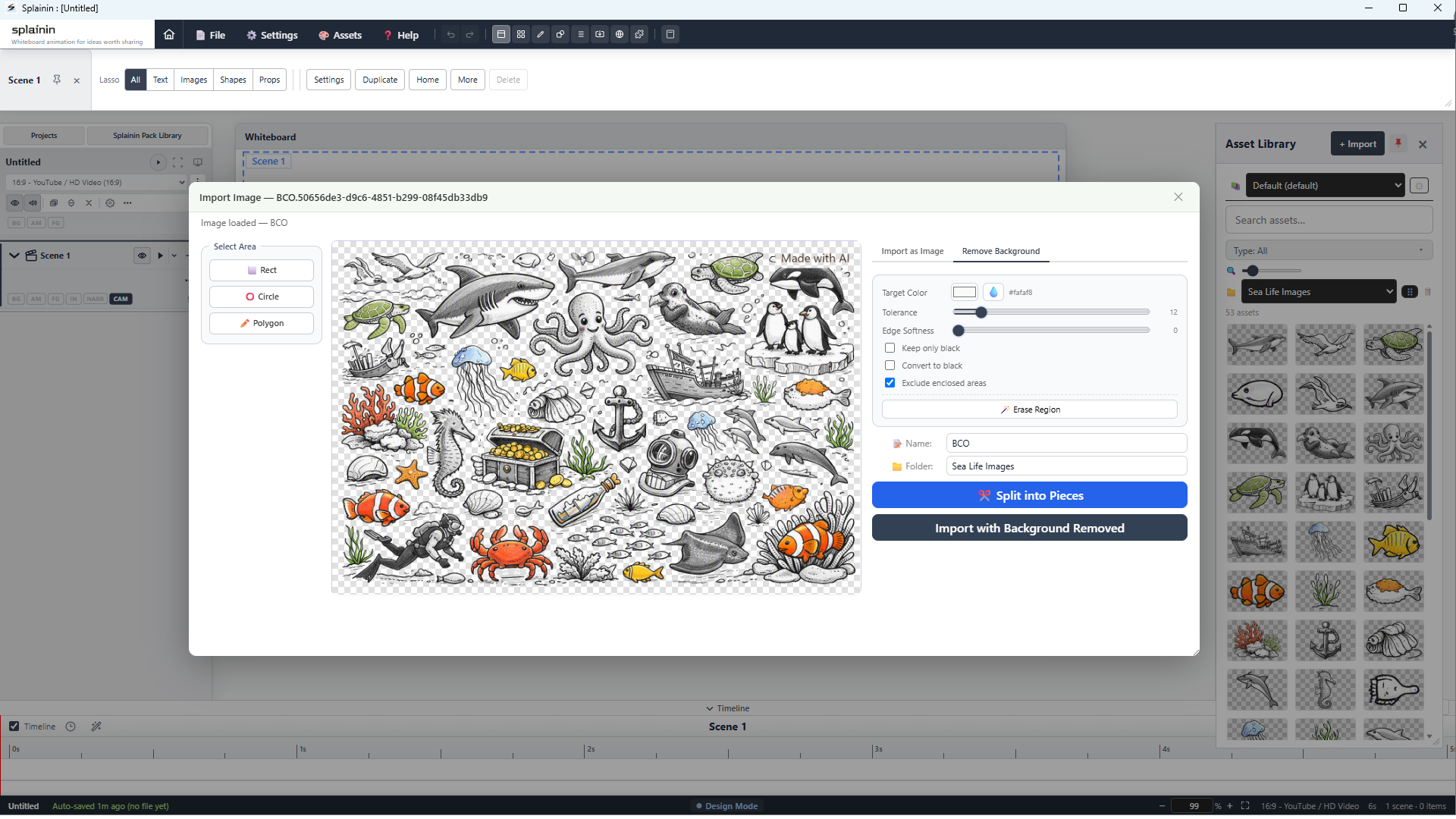
Connect your own Gemini or OpenAI API key, select one or more annotated image placeholders, and generate, review, and import the results inside Splainin. You can also turn a generated collage into reusable assets with the Image Splitter.
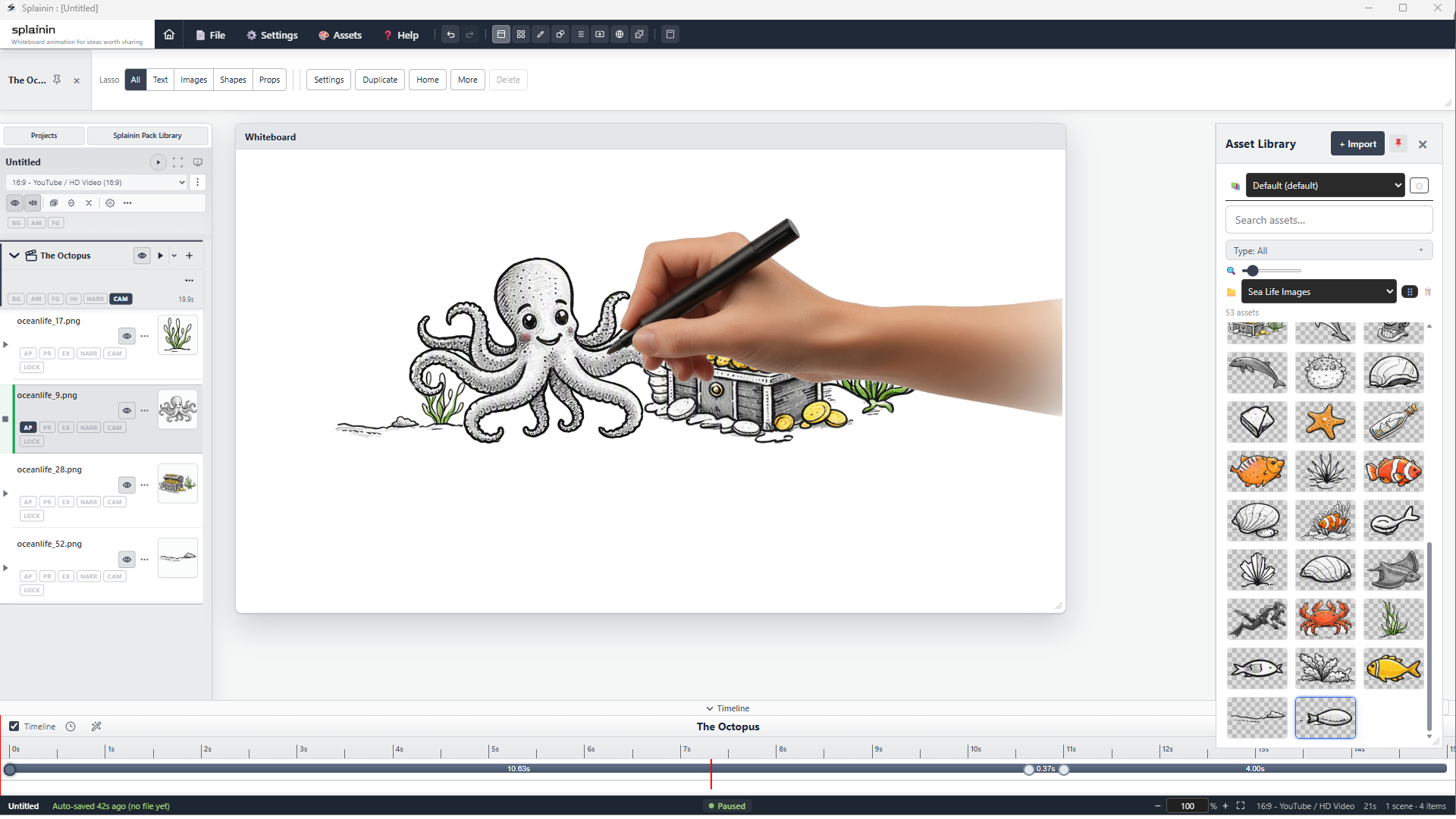
Reveal images with natural drawing effects, annotate the important details, and move through scenes with camera pans and zooms. The canvas stays flexible when the explanation changes.
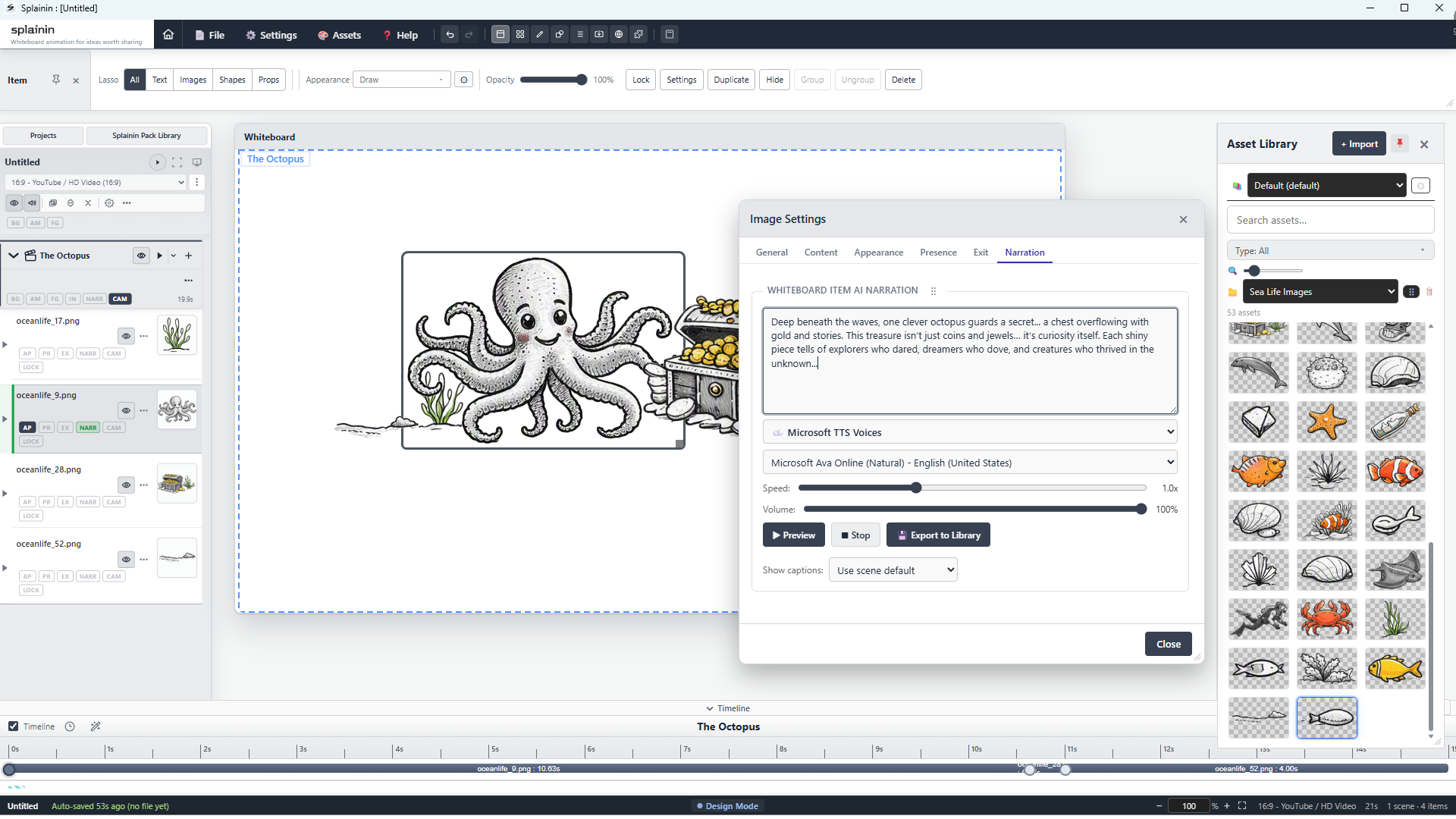
Generate AI narration, then translate the project's on-screen text and narration into other languages. Splainin keeps each version inside the same project and recalculates its timing and pacing automatically.
Export video, GIF, still images, or PDF from the same project, then reuse that structure for live delivery or unattended display without rebuilding your scenes.
From raw assets to finished export—a quick look at how an explainer project comes together.
Watch a full project output sample from Splainin, then review the companion screenshots below from the same workflow.
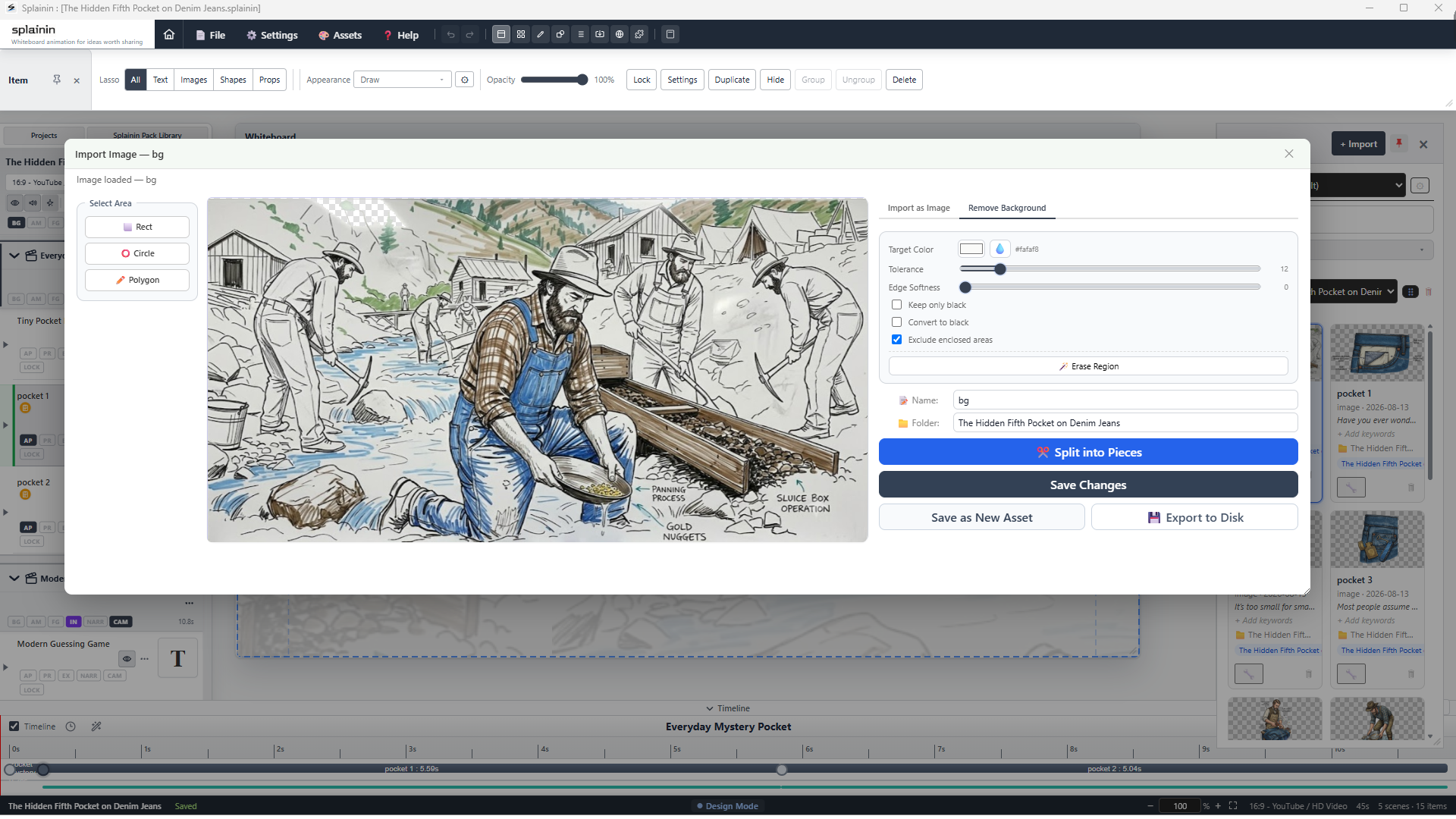
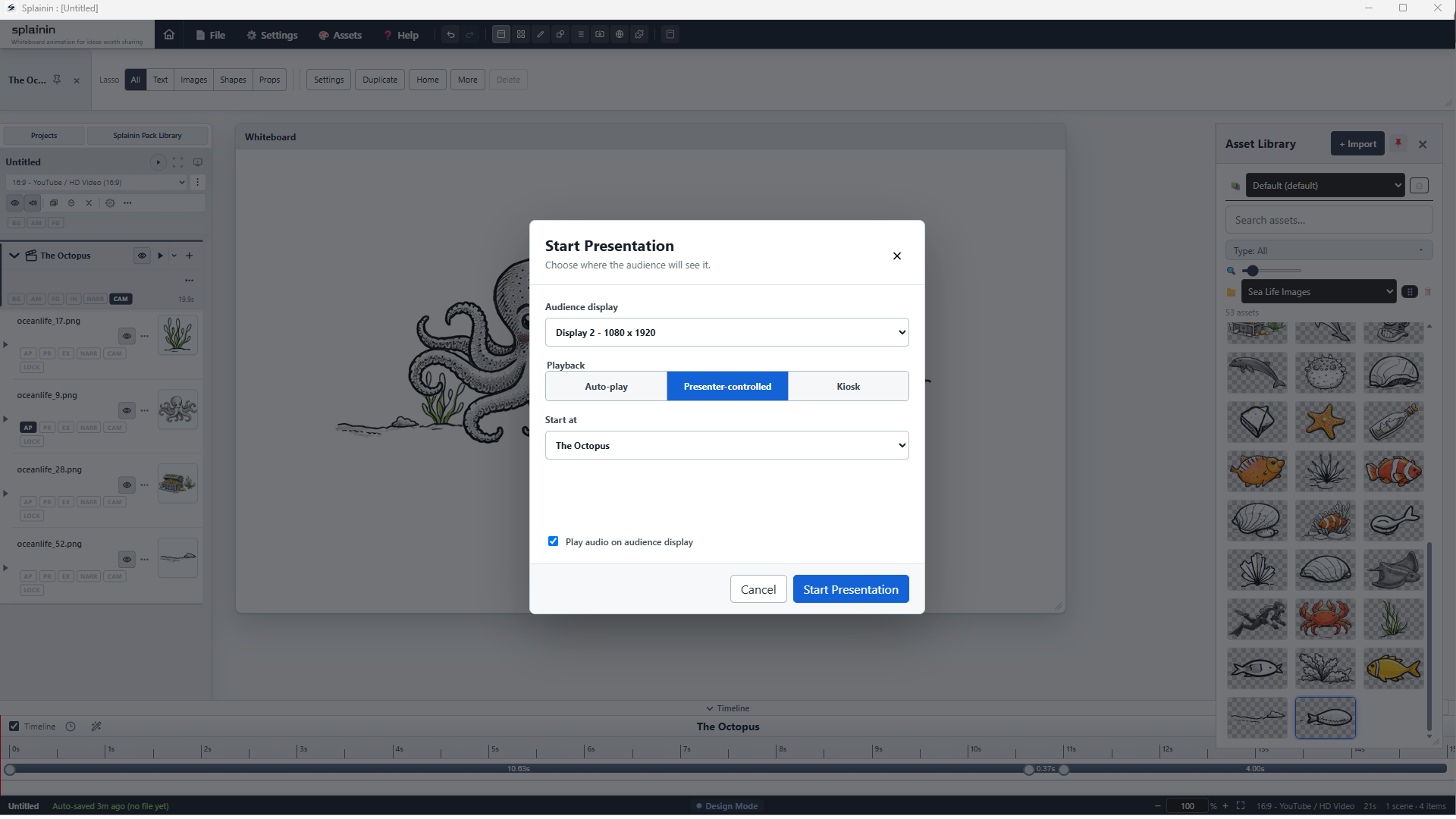
Import screenshots, captured media, and generated assets into one local project workspace.
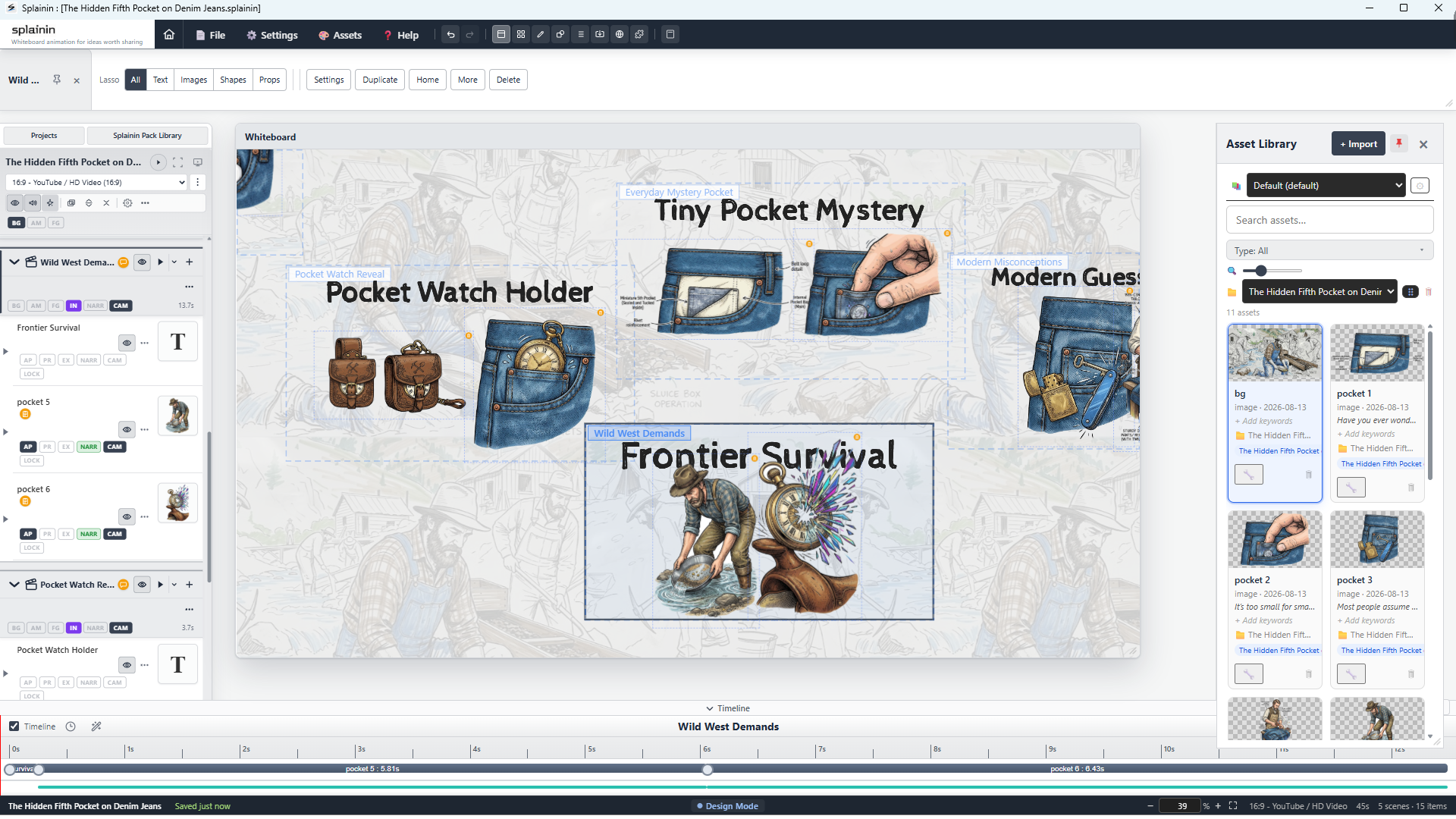
Arrange scenes, reveals, and annotations to make each idea readable. Splainin automatically moves the camera between scenes, while giving you control to fine-tune the framing or create custom moves.
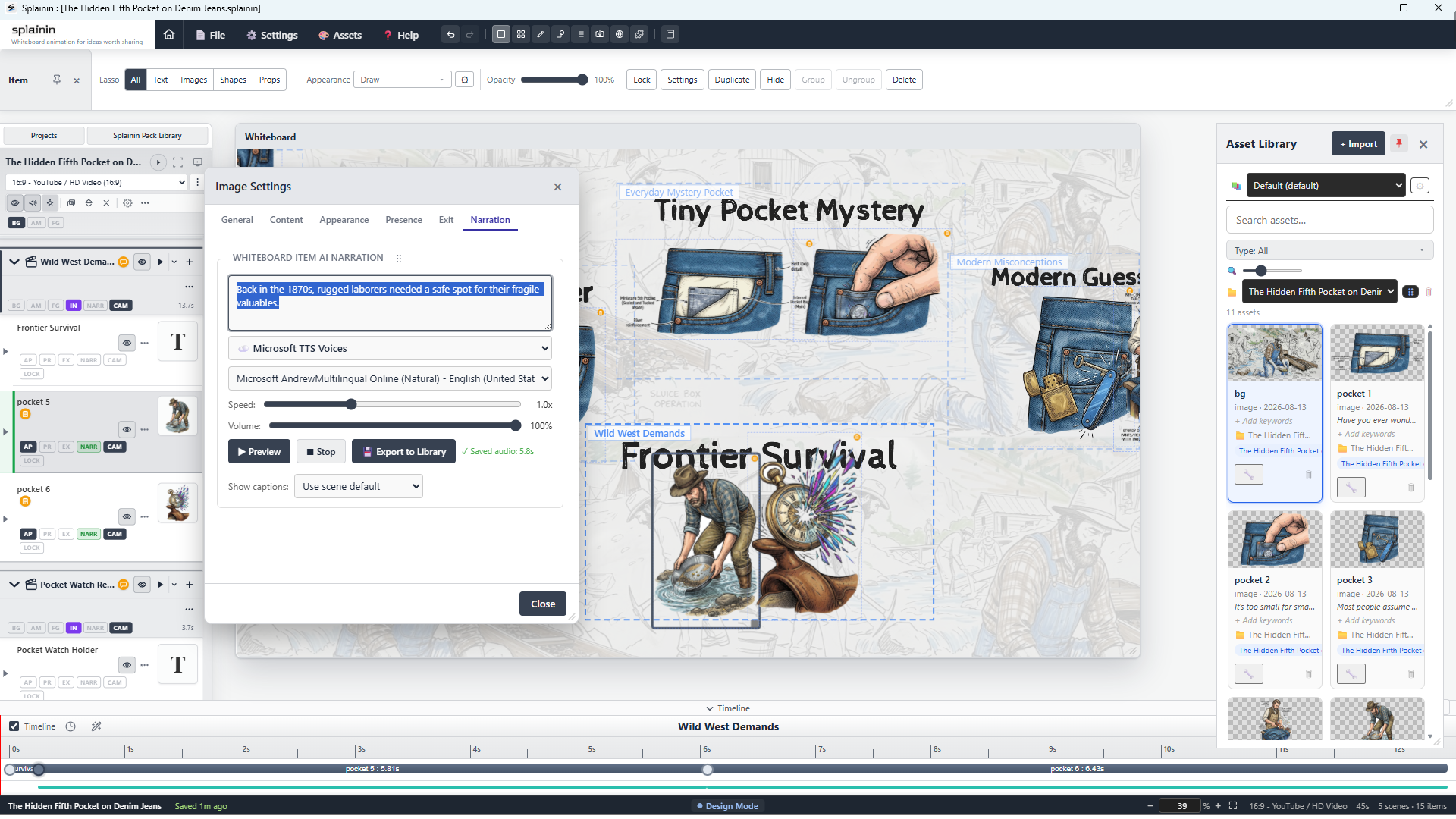
Visuals sync to your narration automatically. Export your final video or deliver a live presentation directly from one project.
Whether you're teaching a class, pitching a product, explaining a concept, or delivering client work — Splainin was designed for you.
Plan lesson videos and classroom explainers that are easier to follow than slides and easier to revisit than live demos.
Learn more about Educators →Create entertaining character videos, personal stories, commentary, trivia, and explainers without needing animation training or a production team.
Learn more about Social Creators →Use one commercial overview as a flexible digital promotional asset for your homepage, sales follow-up, launch campaigns, and social channels.
Learn more about Small Businesses →Deliver broadcast-quality explainers, launch overviews, and brand reels in hours instead of weeks, while keeping the process manageable for one person or a small team.
Learn more about Freelance Studios →Organization licensing supports deployments beyond 10 devices, including purchase orders, W-9 vendor setup, and MSI or silent installation.
See a spoken-word piece translated into motion, pacing, and scene-by-scene visual storytelling.
A complete output sample demonstrating the final animation, narration sync, and scene pacing.
Core capabilities, licensing specs, and platform verification for creators, partners, and evaluators
Runs as local desktop software for Windows 10/11 without requiring browser-only editing.
Projects, screenshots, and assets remain on-device unless you explicitly use optional cloud-connected services.
Supports MP4, WebM, GIF, still image, PDF, live presentation, and hands-free Kiosk mode. Each project can be arranged and exported in multiple layouts, including 16:9, 9:16, 1:1, 4:3, 21:9, 4:5, and custom ratios.
Use recorded voice or AI narration attached at the item, scene, or full-project level. Splainin supports free Microsoft AI voices plus third-party providers such as ElevenLabs, and we can review additional provider requests.
Perpetual software licenses are available. Paid licenses include 12 months of included updates from purchase. Renewal after that is optional, and your latest eligible version remains yours for life. The app itself does not require a monthly subscription.
No steep learning curve. Splainin completely bypasses the traditional, painful multi-track timeline editor, giving you full control over your pacing without ever touching a keyframe.
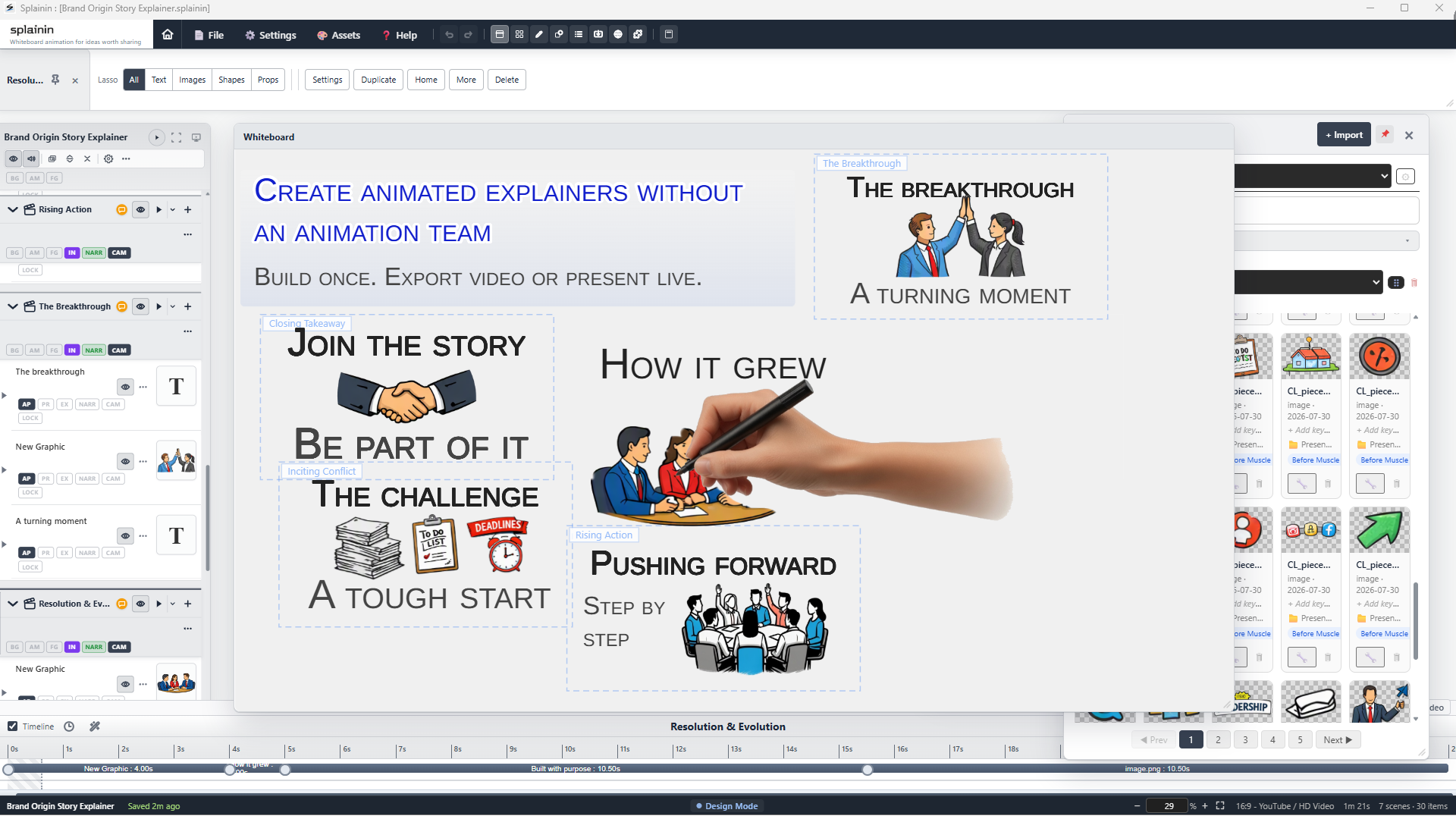
Select a template or start from scratch. Drag and drop your own images, SVGs, props, or text onto the canvas. Arrange your story exactly how you want it told.
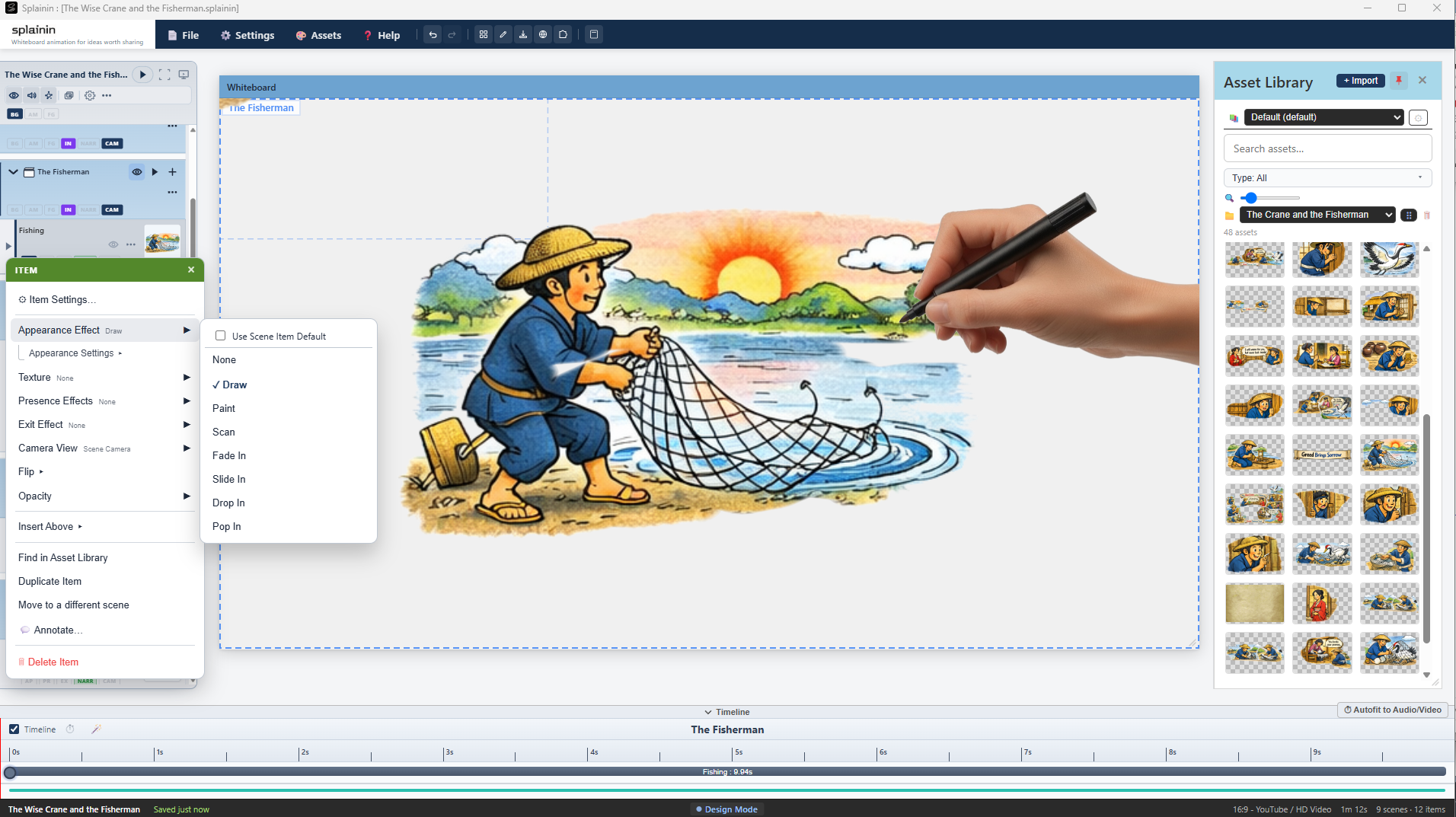
Record your own narration or type text for an AI voiceover for each individual item.
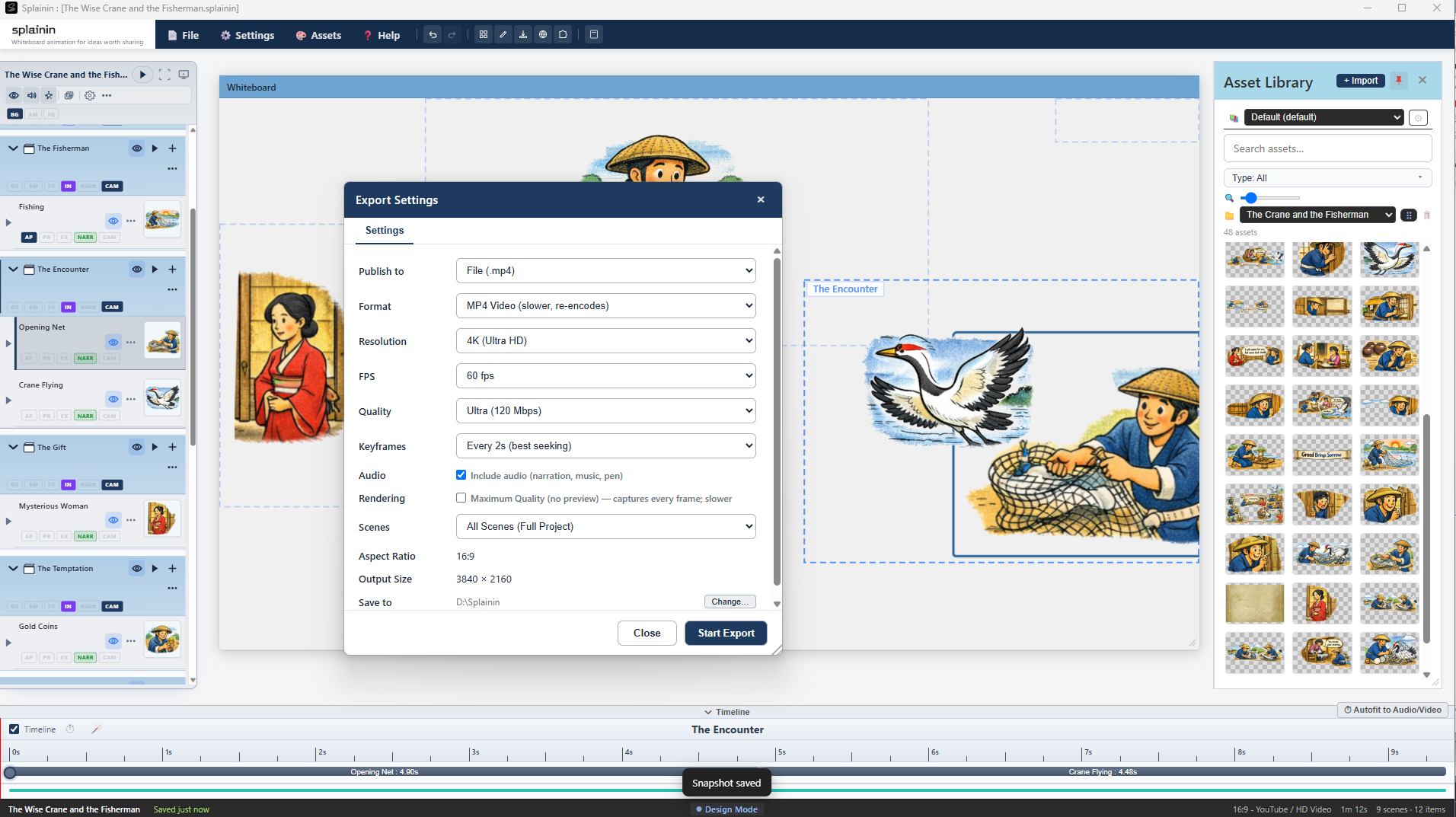
Splainin instantly calculates the length of the audio and dynamically paces the pen-drawn animations to match your voice—no timeline editing required.
Start free. Upgrade when you're ready.
One download installs Splainin and the included Splainin Capture app.
| Feature | Free | Licensed |
|---|---|---|
| All core tools unlocked | ✓ | ✓ |
| Unlimited projects | ✓ | ✓ |
| Unlimited scenes | ✓ | ✓ |
| Unlimited exports | ✓ | ✓ |
| No recording time limits | — | ✓ |
| MP4 export | — | ✓ |
| WebM export | ✓ | ✓ |
| WebM export (no watermark) | — | ✓ |
| No watermark on live presentations | — | ✓ |
| Built-in TTS voices (no setup required) | ✓ Included | ✓ Included |
| Built-in talking-character Splaininers | ✓ 4 included | ✓ 22 included |
| In-app AI Assistant (User guide Q&A & project guidance) | ✓ Included (15 daily queries) | ✓ Included (15 daily queries) |
| Use third-party TTS plugins (BYOK) | — Not available | ✓ Use your own API keys (ElevenLabs, Azure, and more) |
| In-app AI image generation (BYOK) | — Not available | ✓ Gemini and OpenAI with your API keys |
| Multi-language layouts | ✓ Manual | ✓ Automatic with translation plugins |
| Automatic translation (BYOK) | — Not available | ✓ DeepL and Gemini with your API keys |
| Included premium plugins (examples: Annotation, Character Builder, Instant Messages Animation, Guitar Fretboard, and more) | — | ✓ |
| Access to Marketplace plugins (sold separately, optional add-ons by Splainin or third-party creators) | — | ✓ |
Every paid license unlocks the full Splainin feature set in the same Windows app. The difference between licenses is seat coverage.
One-time purchase for software access. Paid licenses include 12 months of included updates from purchase. Renewal after that is optional, and your latest eligible version remains yours for life. The app itself does not require a monthly subscription.
Solo creators & individual projects
Perpetual access for one device. Includes new app updates for 12 months from purchase.
1 device activation.
Select Standard at checkout.
Small teams & multi-device workflows
Perpetual access across three devices. Includes new app updates for 12 months from purchase.
3 device activations.
Select Creator Team at checkout.
Departments, labs, & small studios
Broad coverage for growing teams.
Choose Creator Pro at checkout.
This section is intended for analysts, partners, and reviewers who need fast clarity on fit, claims, and verification points.
Splainin is a Windows desktop explainer platform designed for educators, creators, and production teams that need local project control, fast scene-based authoring, and multi-format output without mandatory recurring software fees.
For direct review requests, deployment questions, or organization licensing details, use the organization form or contact [email protected].
Our vision is a world where nobody has to sit through another confusing slide deck—where Splainin is simply how the world explains everything.
Join educators, creators, poets, small businesses, freelance studios, and learners who need professional explainer videos without agency delays or agency pricing.
Start free, then choose an Individual & Team or Creator Pro option when you're ready to license the seats you need.